Bundl AI in Your Browser
Access your team's prompts, recipes, and workflows from a Chrome side panel — copy, run, and track without leaving the tab.
See it in action
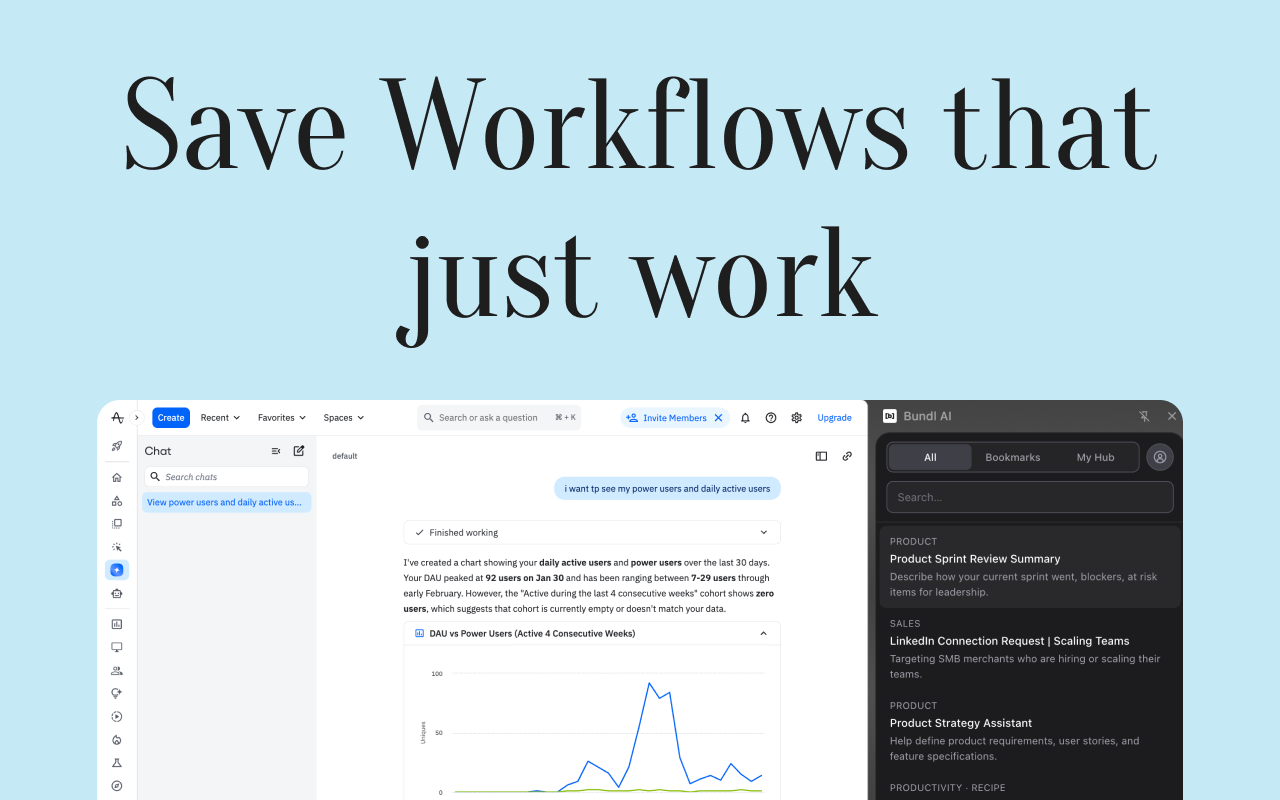
The extension and web app work together — workflows, bookmarks, and activity in one place.

What You Get
Library in a side panel
Browse prompts and recipes without switching tabs. Same library as the web app — personal or workspace.
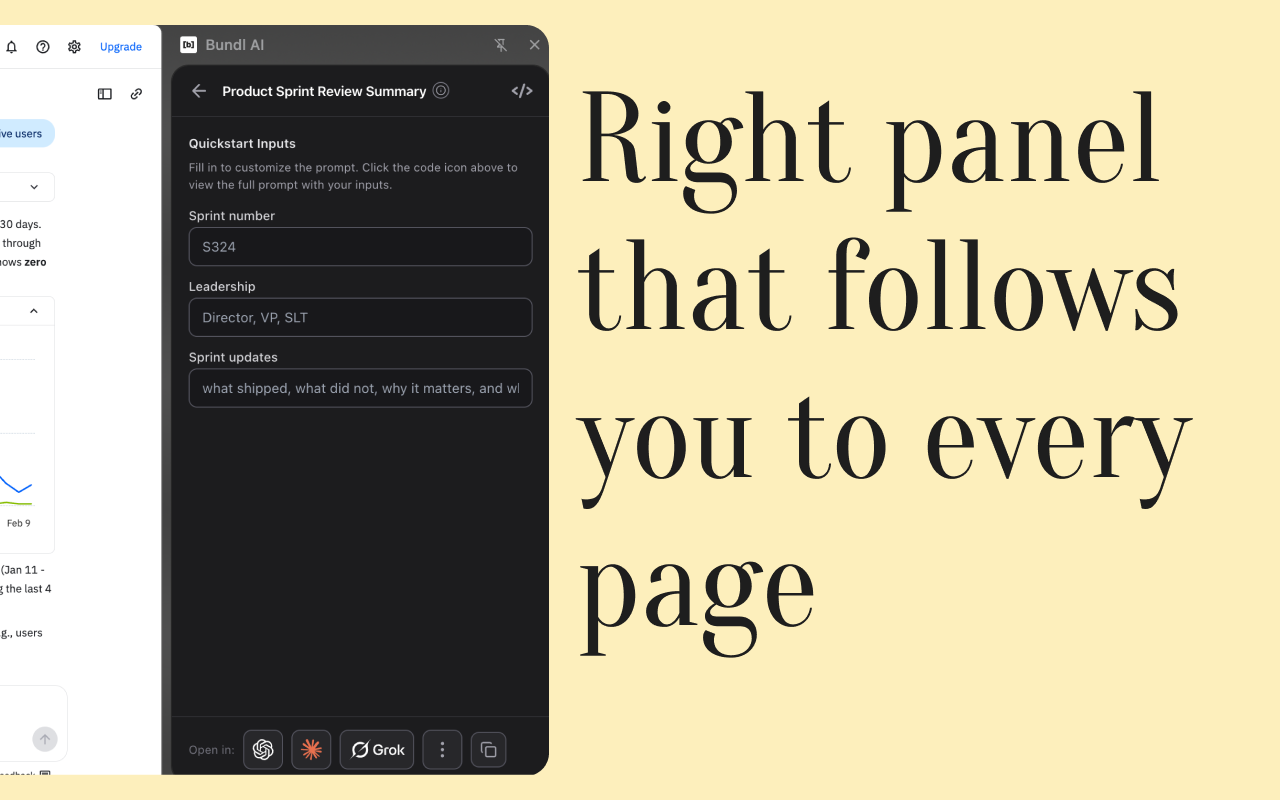
Copy & run workflows
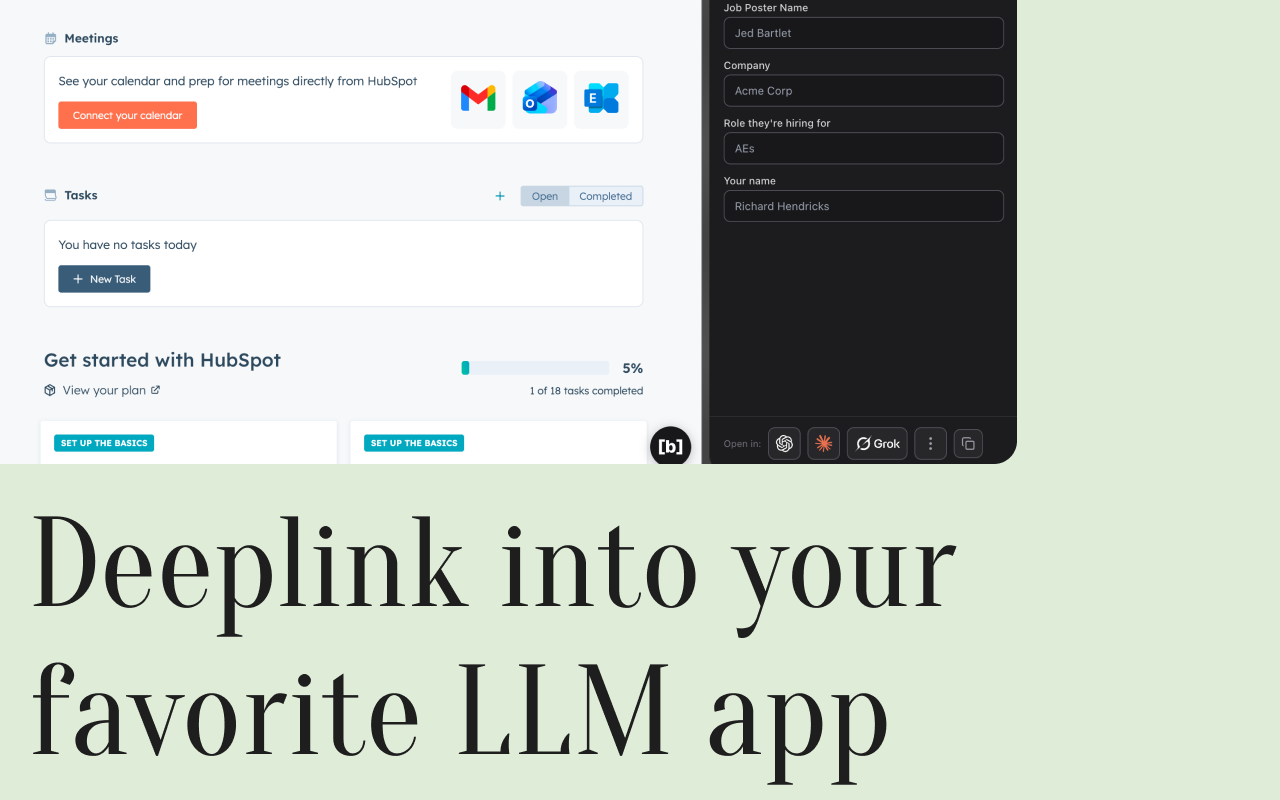
Fill in inputs, copy to clipboard, or send to your AI tool. Optional Bundl inference for paid plans.
Bookmarks sync
Bookmarked prompts and recipes sync across the extension and the web app when you're signed in.
Bundl hosted inferencing
Run AI inference right in the side panel with Bundl's hosted model — no copying to another tab. Available on paid plans.
Privacy & Scope
The extension only runs on Bundl (bundl.ai). It doesn't read or modify other sites. Your data stays in your workspace and is used only to power the side panel and sync.
- —Host access limited to *.bundl.ai
- —No tracking on other websites
Get the Bundl AI Extension
Install from the Chrome Web Store and open the side panel on any Bundl tab to start.